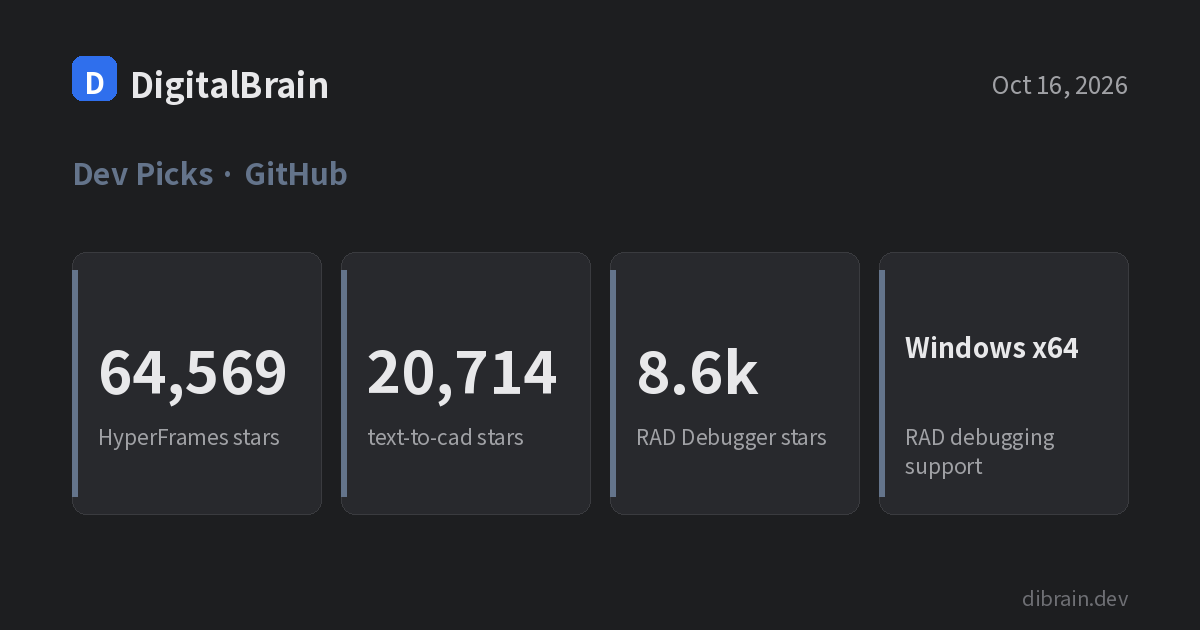
Agents that only write code are no longer the interesting part of GitHub’s weekly trending list. Two of this week’s entries hand agents a different output, video and 3D models, and a third is a native debugger with nothing to do with agents. Star counts and weekly gains below come from the GitHub weekly trending page as of October 16, 2026. RAD Debugger was on the October 9 list but not the October 16 one, so its count is the figure shown on its repository page.
| Repository | Total stars | Gained this week | License |
|---|---|---|---|
| heygen-com/hyperframes | 64,569 | 5,318 | Apache 2.0 |
| earthtojake/text-to-cad | 20,714 | 2,244 | MIT |
| EpicGames/raddebugger | about 8,600 | — | MIT |
Sources: GitHub Trending (weekly), hyperframes, text-to-cad, raddebugger, raddebugger releases
Not yet confirmed: HyperFrames and text-to-cad show no GitHub Releases entry, so we could not confirm a latest release number or date. RAD Debugger’s latest release is
v0.9.29-alpha, published September 30.
HyperFrames: write HTML, get an MP4
HyperFrames describes itself as an open-source framework that turns “HTML, CSS, media, and seekable animations into deterministic MP4 videos.” You can drive it from the CLI, add it to an AI coding agent as skills, or use it as a rendering core. It needs Node.js 22+ and FFmpeg.
npx hyperframes init my-video
cd my-video
npx hyperframes preview      # live-reload preview in the browser
npx hyperframes render       # render to MP4
For Claude Code, the README lists a plugin install:
claude plugin marketplace add heygen-com/hyperframes
claude plugin install hyperframes@hyperframes
The pitch is that video becomes a web-page authoring problem rather than a timeline-editing one. Agents already write HTML and CSS well, and the same input is meant to render the same video. We found no figures on render speed or resolution limits, so we make no claims there.
Best for: teams that generate product or data-report videos repeatedly and prefer versioned code to an editing suite.
text-to-cad: agents that output STEP and STL files
text-to-cad is an MIT-licensed plugin. Its README says it gives an agent “local workflows for generating 3D models as STEP, GLB, STL or 3MF files,” plus design-for-manufacturing checks, engineering drawings and links to fabrication services. Badges list Python 3.11+ and Node.js 20+.
Install differs per agent. For Claude Code:
claude plugin marketplace add earthtojake/text-to-cad#latest
claude plugin install text-to-cad@earthtojake
The README also covers Codex, Cursor and Gemini, and a skills-only route: npx skills add earthtojake/text-to-cad#latest.
Check the prerequisites first. CAD runs through uv, and the first start needs a network connection to download the CAD runtime. On Windows 11, Smart App Control blocks the unsigned OCP module, so either turn it off or run the CAD skills under WSL. The README notes that once Smart App Control is off it can only be turned back on by reinstalling Windows, so WSL is the safer route on a work PC. Telemetry is on by default (the README says files, paths and prompts are not sent); uvx cadgen telemetry off disables it.
For hardware work, the closest fit is drafting enclosures or brackets as STL for a 3D printer. We found no data on the dimensional accuracy or tolerances of generated models, so we do not judge them.
Best for: developers who design printable parts often and want to iterate on parameters the way they iterate on code.
RAD Debugger: Windows x64 local debugging only, for now
RAD Debugger lives in Epic Games’ organization under the MIT license. The README calls it “a native, user-mode, multi-process, graphical debugger.” The repository also contains RDI, a debug-info format, and the RAD Linker, aimed at fast linking of very large executables.
A debugger with nothing to do with agents showing up on the trending list stands out, but the README itself labels the project alpha. Prebuilt binaries are on the releases page; the latest is v0.9.29-alpha. It currently supports only local-machine Windows x64 debugging with PDBs; native Linux debugging and DWARF support are planned. Linux x64 is a build target, not yet a debugging target.
To build it yourself, use the README commands: on Windows, run them from an MSVC x64 developer prompt; on Linux you need GCC or Clang. A successful build produces raddbg.exe (Windows) or a raddbg binary (Linux) in the build folder.
# Windows x64
build release

# Linux x64
./build.sh release
Best for: Windows developers debugging MSVC-style C/C++ programs who want an alternative tool. If your goal is Linux or embedded-target debugging, it is not ready yet.
Same trending list, different readiness
HyperFrames and text-to-cad can be tried today with a few commands, but both assume an agent setup is already in place. RAD Debugger works straight from a release download, yet its supported scope is narrow. Check whether your environment meets each repository’s prerequisites before looking at star counts.